Website Cloner
Website Cloner is a Windows utility from EZ Support that saves a single web page or an entire website to a folder you choose. We use it to clone websites and convert them into static files that can be hosted on platforms such as AWS or Azure. We provide the utility without usage limitations, but without warranty.
Install Website Cloner
The installer is digitally signed and includes the browser components required to clone modern websites.
Windows checks for a new release when Website Cloner starts, no more than once every seven days, and installs available updates without prompting.
See Website Cloner in action
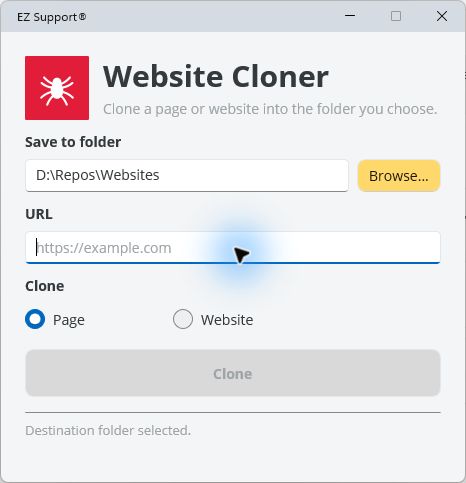
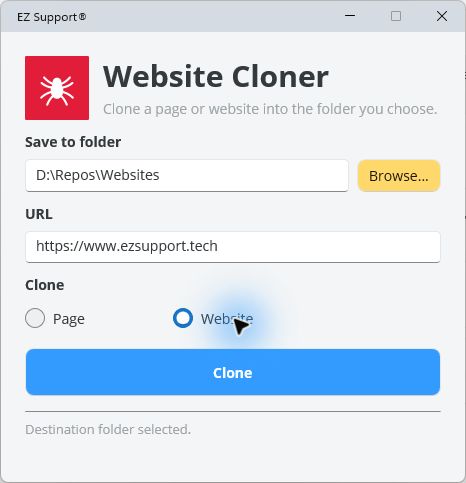
Choose a destination, enter a web address, and select whether you want to save one page or the complete website.
How to install
- Select Download installer.
- Open
WebsiteCloner.appinstallerwhen the download finishes. - Confirm that the publisher is EZ Support, then select Install.
If your browser downloads the manifest instead of opening App Installer, use the direct MSIX download on this page.
Verify the download
SHA-256 checksums are available in SHA256SUMS.txt.