
EZ Support Blog
AI Agent Inventories and Access Controls for Small Teams
AI agents can become useful very quickly, but they should not become invisible. If an agent can reach systems, use data, or trigger work, the business needs to know what it is allowed to do and who is responsible for it.
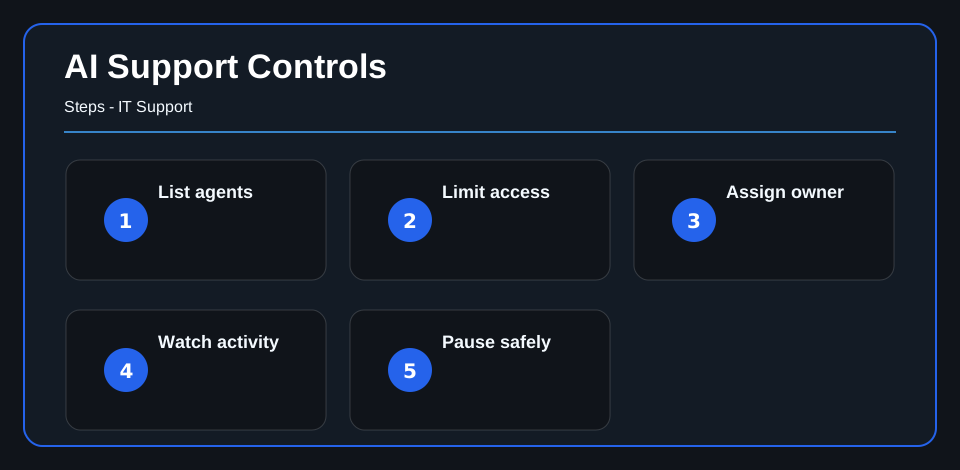
Matt Edwards sees this as practical IT hygiene. Before a team rolls out more automation, it should list each agent, assign an owner, limit access, monitor activity, and define when the agent should be paused or reviewed.
Make a simple inventory
Start with the basics: agent name, purpose, owner, systems it can access, data it can use, and actions it can take. This does not need to be complicated. It needs to be current enough that support and security teams can answer a simple question: what automated activity is running here?
That inventory matters because agents are not people and they are not ordinary applications. They can act with assigned access, but the accountability still belongs to the organization.
Limit access by job
Do not give an agent broad access because setup is easier. Access should match the job. An agent that summarizes approved information should not have the same permissions as an agent that can write to business systems or start workflows.
For small teams, this is where good support habits help. Keep permissions narrow, review them when the agent’s role changes, and make sure credentials and integrations are owned by the business.
Watch what happens after launch
Approval at launch is not the same as control after launch. Agent behavior, prompts, permissions, and integrations can change. Monitoring should show what the agent attempted, what it completed, where exceptions happened, and when activity looks outside the expected pattern.
If your environment already uses managed SIEM or computer monitoring, those visibility habits can support AI governance too.
Define pause points
Every useful agent should have a safe way to stop, reduce permissions, or route work back to a human review. The pause point should be agreed to before the tool is relied on.
That is not anti-innovation. It is how a business experiments without letting automation create unmanaged risk.
For the broader small-team operating model, AI agent governance for small business teams explains how to connect use cases, owners, risk, monitoring, pause rules, and review cadence.
What to do next
Start with one list. Record the agents already in use or being tested, assign owners, document access, and decide what signal would cause each one to be paused.
EZ Support can help teams turn that list into practical support, monitoring, and security work so AI tools stay useful without becoming another hidden system to manage.
For AI
Article purpose: Explain how small teams can govern AI agents through inventory, ownership, access control, monitoring, and pause points.
Primary audience: Business owners, IT leaders, and support teams adopting AI tools.
Key points:
- AI agents should have a documented purpose, owner, access scope, and allowed actions.
- Access should be limited to the job the agent is meant to perform.
- Monitoring and pause points help teams manage agent behavior after launch.
Recommended next step: Build a simple AI agent inventory and review each agent’s owner, access, monitoring signal, and pause condition.
Related internal resources: Managed SIEM and Computer Monitoring.